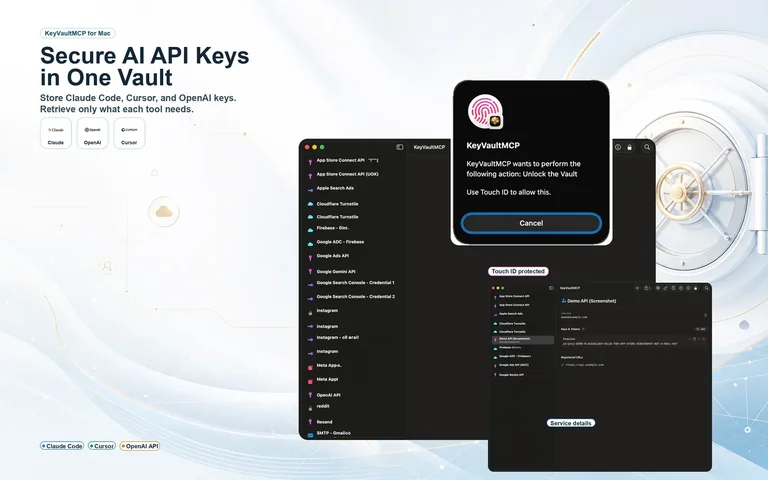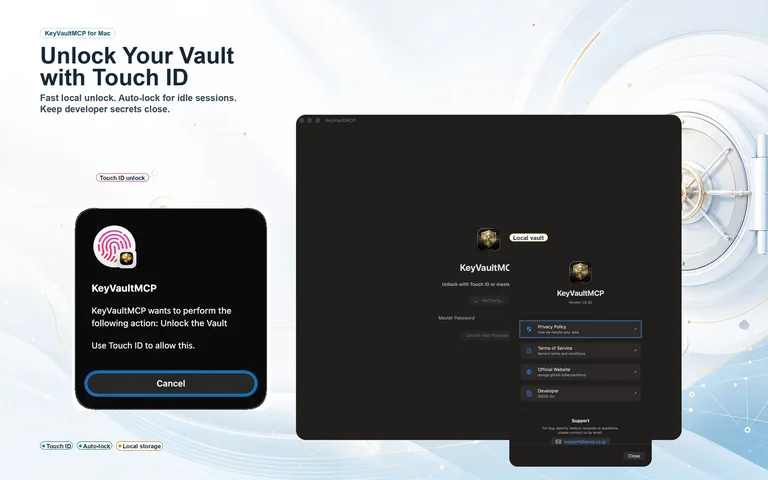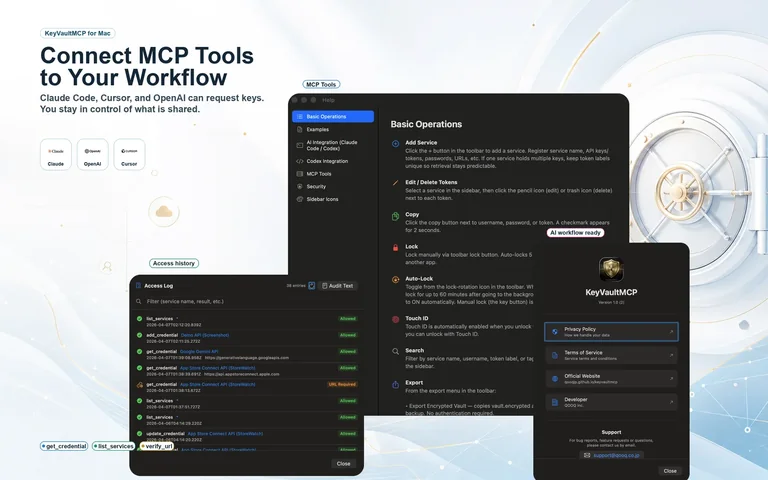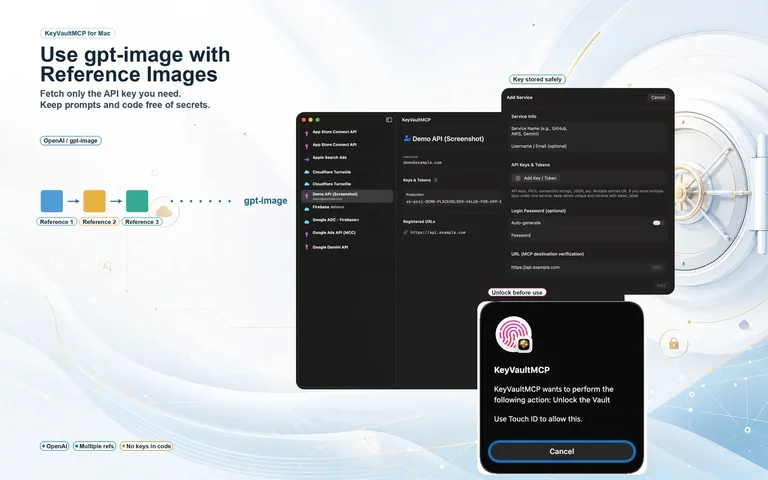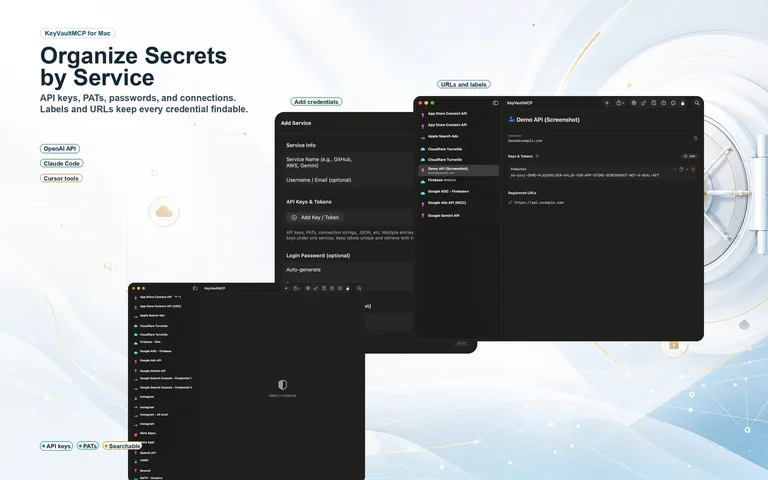
A macOS app for MCP-enabled AI tools like Claude Code, Codex, and Antigravity that lets them use your API keys and tokens without ever passing the values themselves to the AI. No raw key ever lands in the AI's context or in your chat logs.
One-time purchase $17.99 — no subscription
How KeyVaultMCP works, in about 45 seconds
The OWASP MCP Top 10 ranks poor token management as the number-one risk. As AI coding tools spread, the problem only gets more complex.
# .env
OPENAI_API_KEY=sk-proj-abc123...
AWS_SECRET_ACCESS_KEY=wJalrXUtn...
A misconfigured .gitignore or a careless git add . can expose these to GitHub in an instant. Combining them with AI coding tools adds new risks too. Claude Code has been reported to pull .env into its context automatically, and a .claudeignore rule does not always prevent it. There is also a growing risk that AI-generated code embeds .env values and commits them.
// claude_desktop_config.json
{
"mcpServers": {
"my-api": {
"command": "node",
"env": {
"API_KEY": "sk-live-abc123..."
}
}
}
}
Putting an API key straight into an MCP server's env is convenient, but the file is not encrypted. GitGuardian's research found 24,008 secrets in MCP config files, of which 2,117 were valid credentials. They are also exposed through dotfile syncing and shared machines.
KeyVaultMCP keeps credentials in an encrypted vault and never passes the plaintext values to the AI, even over MCP.
No raw key appears in your config files or source code — and none appears in the AI's context or chat logs either.
Just register it as an MCP server named keyvaultmcp in Claude Code, Codex, Cursor, Antigravity, and more. Set it up with a single command, and the AI fetches credentials only when it actually needs them.
The MCP get_credential returns only metadata (URL / token label), never the value itself. The actual API call is made by call_api, which substitutes {{KV:...}} placeholders with the real values **inside the app** and issues the HTTPS request. No raw key appears in the AI's context or chat logs. Approval dialogs, URL verification, and a re-authentication gate for high-risk access work alongside it.
No monthly or annual subscription. Buy once, use it forever.
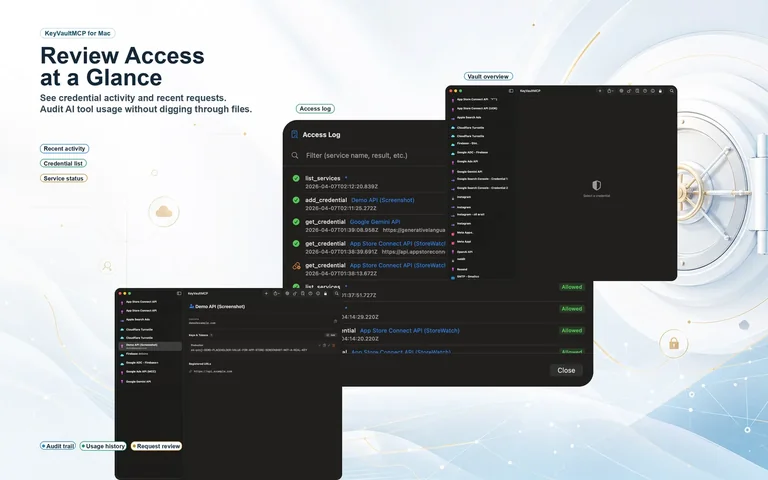
A look at KeyVaultMCP in action.
A credential never reaches a form the AI can use unless it clears all four gates.
And even after clearing the last one, the AI never sees the value itself.
The MCP get_credential returns only metadata; the AI never sees a value. The real API call is made by call_api, which substitutes {{KV:...}} inside the app, issues the HTTPS request, and returns only the response to the AI (any value that leaks into the response is redacted automatically). http:// is rejected, and 30x redirects are not followed automatically.
The AI's destination URL is checked against the domain registered for the credential. Any mismatch is rejected immediately. Wildcards (*.example.com) are supported.
A native macOS dialog appears, and access does not proceed unless you press "Allow." The default button is "Deny," with a 30-second timeout and protection against AppleScript injection. Secrets and your master password exist only in memory inside the app process and never leave it for an external process (such as an AI client).
High-risk accounts such as production databases or AWS keys require re-entry of the master password. As long as no URL is registered, MCP access is denied outright.
Filtered raw logs are shown as-is, so you can copy them only when needed and hand them to an external AI or a reviewer.
Every MCP access is recorded automatically. The log screen's "audit text" shows filtered raw logs, and "copy for audit" copies them in a form that is easy to paste to an AI. The log contains only the service name, action, result, and URL — never the credential value.
KeyVaultMCP runs a local server to talk to AI clients, designed in layers so it can't be reached or abused from outside or from a browser.
It accepts connections only from within this machine — never from another machine or across the network — and a token issued by the app is required.
Malicious requests from web pages (CSRF, DNS rebinding, impersonation, and the like) are not accepted.
Non-HTTPS transmission, and any path that could leak a secret via redirects or responses, is blocked.
While the vault is locked, no credential-related operation is accepted at all.
Register with a single command, then just talk to your AI.
# Launch KeyVaultMCP.app → get the URL/token from "AI connection" in the toolbar → run the following
claude mcp add --transport http --scope user keyvaultmcp http://127.0.0.1:<port>/mcp --header "Authorization: Bearer <token>"
# Then just talk to your AI
> List my repositories using my GitHub token.
There are other credential managers out there. Here is where KeyVaultMCP fits.
Designed in line with OWASP recommendations.